Star-map sizes: choose the file before buying a frame
Published on · Reviewed on
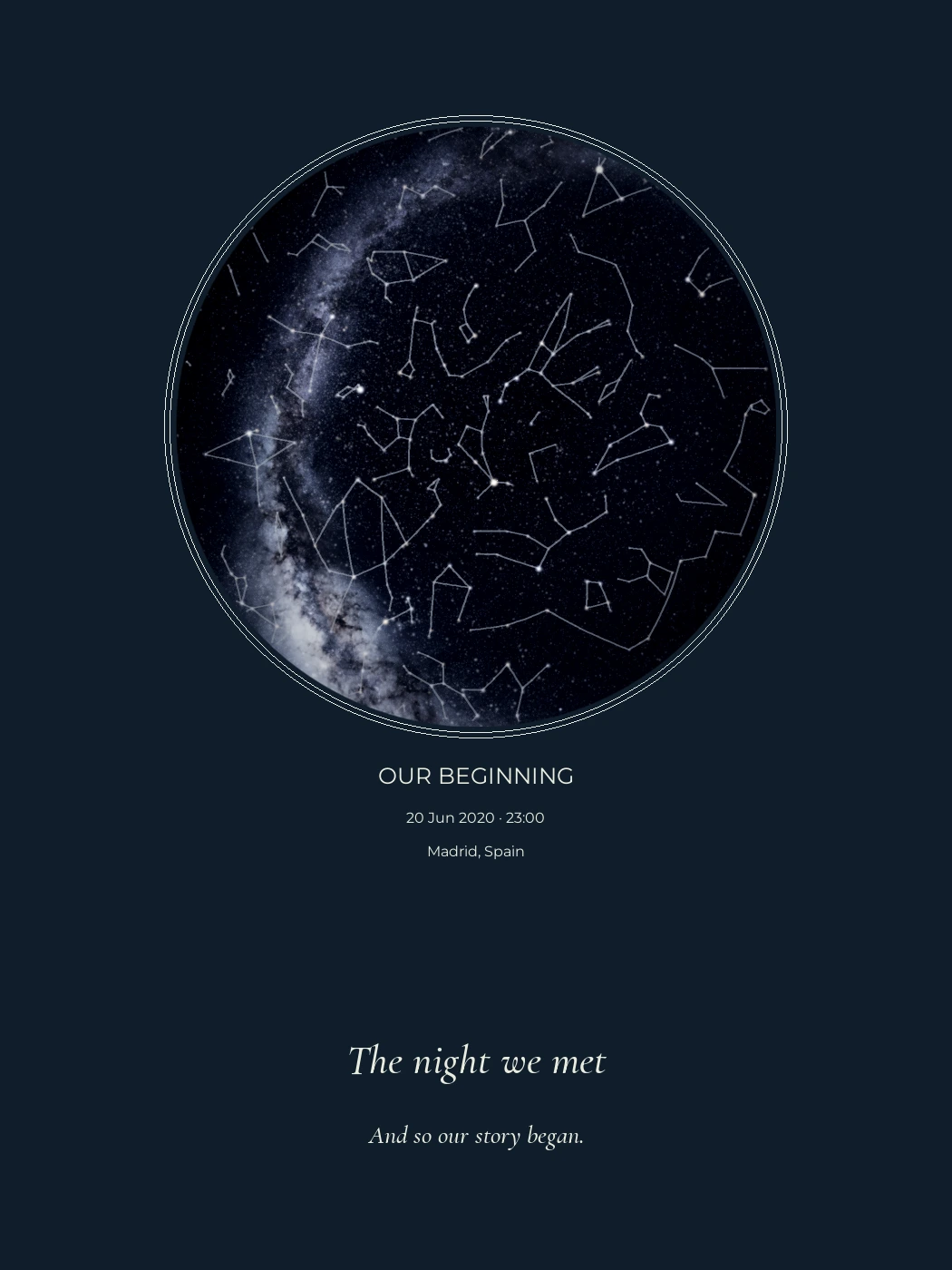
Not a physical print sample.
Choose a digital file size that matches the print and frame you want. KeptStars offers 30 × 40 cm, 50 × 70 cm, A3 and A2. The inch equivalents are approximate: a 30 × 40 cm file is not exactly 12 × 16 inches.
It is easy to buy a frame first and discover that the artwork does not quite fit. A few millimeters may sound unimportant until the printer enlarges the map, trims a line of text or adds a border you did not expect.
The available file sizes
| Size | Dimensions in centimeters | Approximate inches |
|---|---|---|
| 30 × 40 | 30 × 40 cm | 11.81 × 15.75 in |
| 50 × 70 | 50 × 70 cm | 19.69 × 27.56 in |
| A3 | 29.7 × 42 cm | 11.69 × 16.54 in |
| A2 | 42 × 59.4 cm | 16.54 × 23.39 in |
Landscape orientation swaps the width and height. These are digital page dimensions, not a frame or paper shipment. KeptStars includes PDF and PNG files; you arrange any physical printing yourself.
All four digital sizes have the same price for the same number of skies. Choose the dimensions for the finished piece, rather than buying the largest file simply because it sounds better.
Why similar measurements do not always fit
The relationship between width and height is called the aspect ratio. A 30 × 40 cm page has a 3:4 ratio. A 50 × 70 cm page has a 5:7 ratio. Changing between those shapes requires extra space, cropping or a new composition.
A 12 × 16 inch frame has the same 3:4 ratio as 30 × 40 cm, but it is physically larger: 30.48 × 40.64 cm. A printer can scale the page proportionally if that is what you want. It should be an intentional choice, not an automatic setting you discover afterward.
A3 and A2 also differ from common US frame sizes. Ask a printer about the actual opening and paper size before ordering a frame online.
Check the frame opening and any mat
Find out which measurement the frame listing gives: the outside of the frame, the paper it holds or the visible opening. They describe different things. A mat can cover the edges of the sheet, including text placed too close to the edge.
For a gift, an easy option is to give the digital artwork first and let the recipient choose the frame. Our guide to giving a digital gift explains how to make that feel complete.
Tell the printer what to preserve
Send the original PDF and state the intended finished dimensions. Ask the printer to preserve the full design and explain any planned scaling, border or trimming before production. Do not use a screenshot or a compressed messaging-app preview.
In Adobe Acrobat, “Actual size” prints without scaling; parts that do not fit the printable area may be cropped. “Fit” scales the page to that area. Neither setting is automatically correct for every printer and sheet. Check the preview and the printer’s instructions.
For the complete file checklist, read how to print a digital star map.
Check small text before committing
A layout with several skies gives each circle less space. Review the final proof at a useful viewing size, including the smallest date and dedication. Choosing a larger sheet cannot rescue wording that already overlaps in the composition.
Before paying for printing, confirm three things together: the file dimensions, the printer’s finished size and the frame’s usable opening. If they agree, there is much less room for an unwanted crop.
Can I choose the size and orientation?
Yes. The designer offers several dimensions and portrait or landscape layouts. It updates the preview proportions. The selected size determines your digital files. Match it to the dimensions your printer and frame support.
Can the same file fit every frame size?
No. Changing the aspect ratio can crop the artwork, add margins or stretch it. Choose the final dimensions first, and never stretch a circular sky to fit a different rectangle.
Can I use a local print shop?
Yes. Use the final PDF or PNG at its intended size and ask the printer to confirm resolution, margins, bleed and colour requirements. Printing and framing are separate purchases.
Sources and notes
Recommendations are from KeptStars’ editorial team. Product details reviewed on September 21, 2026; availability and options may change.