How to print a star map: file, size and framing checks
Published on · Reviewed on
Not a physical print sample.
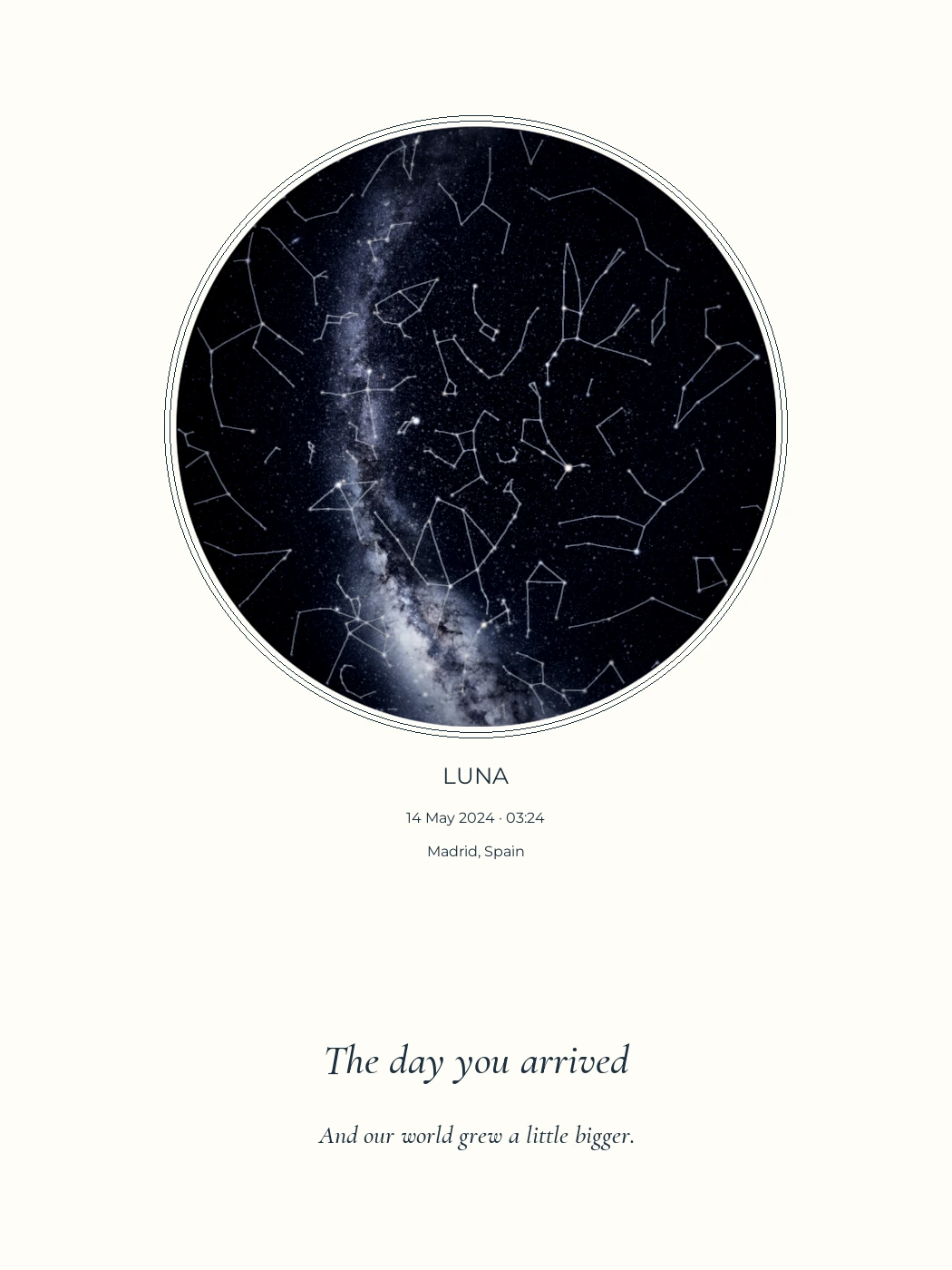
Use a final file prepared for the intended print size. Check its dimensions, resolution, proportions and the printer’s requirements. A small web image or marked layout preview is not a substitute for a print-ready file.
A circle that looks crisp on a phone can look soft on a large print. The first decision is therefore the file, not the paper. Work through size and fit before choosing a frame, and ask the printer to confirm any production requirements.
Choose the final file, not the preview
KeptStars plans to offer digital artwork as PDF and PNG. The download currently available in the designer is a marked layout preview. It is useful for checking the composition; it is not the final digital product.
A PDF can carry a defined physical page size. A PNG has pixel dimensions, which limit how much detail it can supply at a given print size. Neither file extension alone guarantees a good print. Check the actual file and the supplier’s specification.
Keep an untouched copy of your final artwork when it becomes available. Send the printer that file rather than a screenshot, a messaging-app preview or a copy resized by another service.
Match pixels to the physical size
Pixels per inch, or ppi, describes how many image pixels fit into an inch of print. To estimate the pixels needed, divide centimetres by 2.54 and multiply by the chosen ppi.
At 300 ppi, a 30 × 40 cm image is approximately 3543 × 4724 pixels. That is an arithmetic example, not a universal printing requirement. Ask your provider what resolution, file format, colour profile and bleed its chosen product needs.
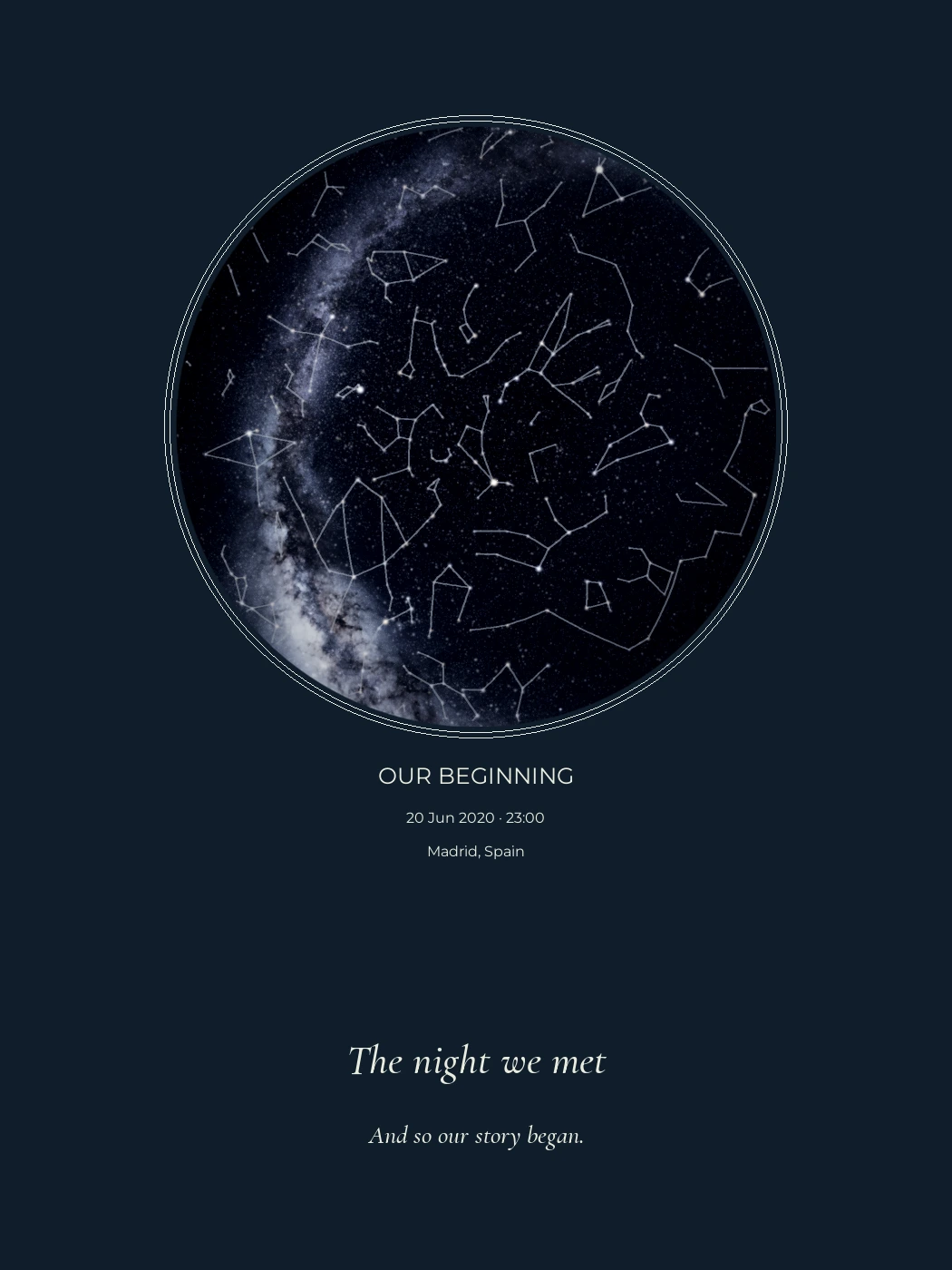
The 1050 × 1400 pixel images used in these guides would provide about 89 ppi at 30 × 40 cm. They are web examples. Relabelling one as “300 ppi” does not create the missing image detail.
A new size can mean a new shape
A 30 × 40 cm artwork has a 3:4 ratio. A 50 × 70 cm artwork has a 5:7 ratio. The same image cannot fill both rectangles unchanged: you must crop it, leave a margin or distort it.
Choose the intended size before preparing the final file and review the layout again. This matters with multiple skies, a long dedication or text near the edge. Do not stretch an image to fit; the circles will become ovals.
If you already have the file, request a fitting proof. Decide whether to retain the complete composition with margins or accept a crop. Check that names, dates and direction labels remain visible.
Ask about paper and the visible frame opening
Ask to see the printer’s paper samples. A matte surface may help reduce reflections from the paper, but the frame glazing also affects the result. The paper tone and printing process can change how an ivory or midnight-blue background appears.
We have not yet verified physical KeptStars samples. We therefore do not describe a paper weight or finish as tested, or promise a screen-to-print colour match.
For framing, distinguish the paper dimensions, the visible opening and the outside frame dimensions. A mount or mat can cover the print’s edges. Ask how much it will overlap, particularly if your text sits close to the edge.
Check PDF scaling before printing
In Acrobat, “Actual size” keeps the document’s scale; it may crop content when the sheet is too small. “Fit” changes the scale to suit the printable area. Adobe explains the difference in its page-size printing guide.
If the artwork must measure 30 × 40 cm, use paper and a process that can accommodate those dimensions. Choosing “Fit” on smaller paper will not preserve that size. Inspect the print preview, orientation and every edge.
Ask for a proof where available. Small labels and dark backgrounds deserve particular attention. A proof is also the time to catch a spelling mistake, before paying for the complete print run.
Give the printer a clear brief
A useful instruction is: “Please preserve the complete composition at 30 × 40 cm. Confirm whether your process needs bleed, margins or an adapted file before printing.” Add the agreed finish and state whether framing is included.
Our digital, print and framed options explain the available digital download and upcoming printed options. If you are still designing, choose the size first and leave a final check of the dedication until the composition is settled.
Can I download the preview?
The on-screen preview is for checking your design. Downloads are available after payment and approval of the final artwork: a full-resolution PDF and PNG in your chosen size, without the preview watermark.
Can I use a local print shop?
Yes. Use the final PDF or PNG at its intended size and ask the printer to confirm resolution, margins, bleed and colour requirements. Printing and framing are separate purchases.
Can the same file fit every frame size?
No. Changing the aspect ratio can crop the artwork, add margins or stretch it. Choose the final dimensions first, and never stretch a circular sky to fit a different rectangle.
Sources and notes
Recommendations are from KeptStars’ editorial team. Product details reviewed on September 17, 2026; availability and options may change.